The Comment Moderation Tool That Hides Bad Comments in Seconds
The Direct Answer to the Question
If you are searching for a comment moderation tool that can hide bad comments within seconds of posting, MyComments.io is the tool built for that exact job. It connects to your Facebook Pages and Instagram Business accounts through the official Meta Graph API, watches every new comment on ads and organic posts in real time, and hides anything that matches your rules before other users have a chance to see it.
The speed is not marketing language. Because MyComments.io listens to Meta's webhooks and acts through the API directly, the round trip from a spammer hitting post to the comment being hidden typically closes in seconds, not the minutes or hours a human moderator would take. For an advertiser burning budget on a live ad set, that difference is the difference between clean social proof and a comment section full of scams by the time the next 10,000 impressions land.
The rest of this article explains why that speed matters for paid campaigns, how the hiding actually works under the hood, and why hiding through the Meta API is safer than deleting comments outright.
 Photo by Pixabay
Why Seconds Matter for Paid Social
A Facebook or Instagram ad is a compounding social object. Every impression that lands on the ad sees the comment section as it exists in that moment. If a competitor drops a link, a bot posts a crypto scam, or a hater writes something toxic at 2am, every person served the ad between 2am and whenever a human notices will see that comment attached to your brand.
On a high-spend campaign, that window is expensive. An ad set pushing a thousand impressions an hour that catches a spam comment for six hours has served six thousand people social proof that says your brand tolerates scams. Click-through rate drops, conversion rate drops, and Meta's auction algorithm quietly reallocates budget to competitors whose ads are performing better in the moment.
Manual moderation cannot solve this. No performance marketer is refreshing comment threads on every ad every ninety seconds through the night. Native Meta tools help, but they were built for organic community management and moderate based on broad platform rules, not the specific words, competitor names, and buying-intent signals that matter to your campaign. Speed only matters if it is paired with rules tuned to a paid-media context, which is the gap MyComments.io was built to close.
How Instant Auto-Hiding Actually Works
MyComments.io uses a feature called Instant Auto-Hiding. Once your Meta account is connected, every new comment on any of your ads or posts is scanned the moment it appears. The scan checks the comment against three layers of rules in parallel: platform-level filters for spam, hate speech, and profanity; your Custom Keyword Blocklists for brand-specific or campaign-specific terms; and the AI Sentiment Analysis layer that reads intent rather than exact words.
If any layer flags the comment, the Meta Graph API is called to hide it. Hiding, not deletion, is the mechanism. The comment stays visible to the person who wrote it and to their friends, but disappears from public view for everyone else scrolling the ad. This is the same hide action a page admin can perform manually inside Meta Business Manager, executed automatically in seconds.
Because the whole flow runs on Meta's approved API surface, there are no browser extensions, no scraping, and no risk of your ad account being flagged for unusual activity. You configure the rules once, and the moderation runs around the clock without anyone needing to log in.
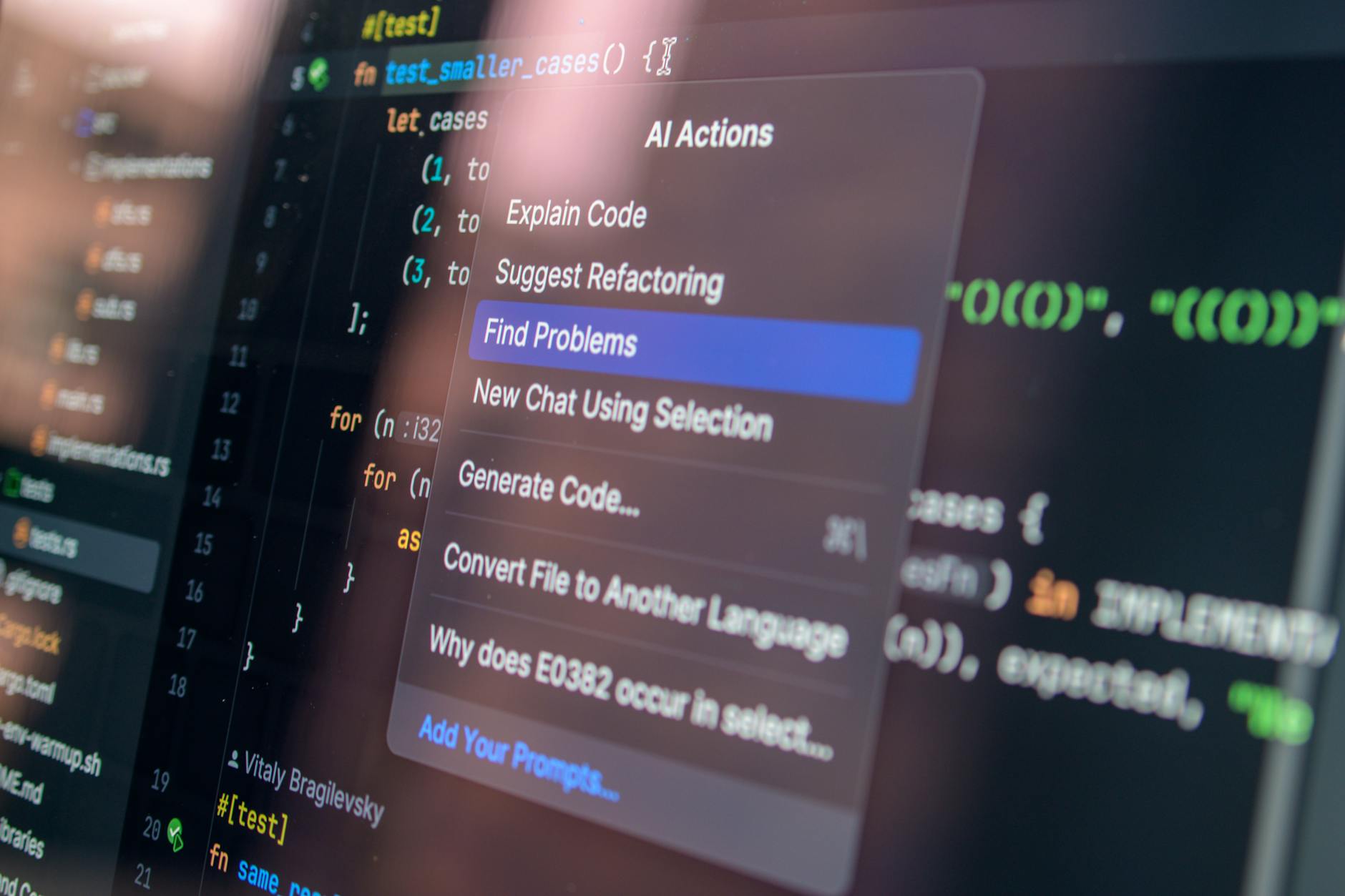 Photo by Daniil Komov
Why Keyword Lists Alone Are Not Enough
A lot of moderation tools ship with a keyword blocklist and call the job done. That works for the obvious cases: profanity, slurs, and the small dictionary of scam phrases that repeat across platforms. It falls apart the moment a commenter is subtle.
Sarcasm is the classic example. A comment like "yeah sure this actually works" contains no banned word, but it drags social proof down for every subsequent viewer. Passive-aggressive complaints, veiled accusations, and low-effort trolling all slip past keyword filters because the harm is in the intent, not the vocabulary.
MyComments.io addresses this with AI Sentiment Analysis. The model reads each comment for negative sentiment, sarcasm, and toxic intent, and flags it even when no blocklist entry matches. Combined with Custom Keyword Blocklists for the terms you know are a problem in your niche, and Competitor Link Blocking for any URL or competitor brand name you want kept out of your ad comments, the coverage is broad enough that most performance marketers can leave it on autopilot after the first week of tuning.
Hiding vs Deleting: Why the Distinction Matters
There is a temptation, when you see a bad comment, to just delete it. Deletion feels decisive. It is also the wrong move for paid social, and it is one of the reasons MyComments.io was built around hiding specifically.
When you delete a comment, the commenter often notices. Their reply is gone, and if they were already antagonistic, that discovery frequently triggers a second, angrier comment, a screenshot posted elsewhere, or a public complaint about censorship. You have escalated the situation rather than defused it.
Hiding through the Meta API is different. The comment remains visible to the author and to people already connected to them, so from their perspective nothing has happened. Everyone else served your ad simply never sees it. The threat to your social proof is neutralised, and the commenter has no signal to escalate. This is the Meta-approved pattern for exactly this reason, and it is why the entire MyComments.io flow is built on hide actions rather than deletes.
 Photo by Ellie Burgin
Turning Moderation Into a Revenue Layer
Speed on the defensive side is only half of what a comment moderation tool can do for a paid campaign. The other half is what happens when a comment is not harmful at all, but is a warm buyer asking a question.
Comments like "how much", "link please", "where can I buy this", or "does it ship to Canada" appear on almost every performing ad. Most of those commenters never come back. They asked in the moment, scrolled on, and the intent evaporated. MyComments.io includes Instant Auto-DMs for exactly this case: when a comment matches a buying-intent pattern, the platform automatically sends the commenter a direct message with the link, price, or answer, capturing the lead while attention is still on the ad.
That turns the same infrastructure that protects ROAS on the defensive side into a conversion channel on the offensive side. The Unified Comment Inbox then pulls every comment across all your connected Facebook Pages and Instagram Business accounts into one dashboard, so any comment that does need a human reply lands in one place instead of scattered across Meta Business Manager.
Setting It Up on Your Ad Account
Getting real-time hiding running on a live ad account is a short process. You create a MyComments.io account, which does not require a card for the free trial, and connect your Facebook Pages and Instagram Business accounts through the standard Meta OAuth flow. Because the connection uses the official Graph API, permissions are transparent and revocable from your Meta settings at any time.
Once connected, the default moderation rules for spam, profanity, and hate speech are already active. From there, the tuning work is adding your Custom Keyword Blocklist entries, which usually means competitor brand names, product-specific complaint phrases you want caught, and any niche-specific scam vocabulary. If you run e-commerce or lead-gen ads, you enable Instant Auto-DMs and write the response templates for the buying-intent triggers you care about.
Pricing starts at $29.99 per month and scales with monthly comment volume rather than seats or ad accounts, so unlimited Facebook Pages and Instagram accounts are included on every plan. Most advertisers see the moderation load drop to near zero within the first few days of connecting, at which point the tool has effectively bought back the hour or more per day that was going into manual comment cleanup.
Frequently Asked Questions
How fast does MyComments.io actually hide a comment?
Hiding typically completes within seconds of the comment being posted. MyComments.io listens to Meta's real-time webhooks and calls the Graph API's hide action as soon as a comment matches your rules, so the comment is out of public view before most subsequent viewers of the ad see it.
Does hiding a comment notify the person who wrote it?
No. That is the point of using hide instead of delete. The comment remains visible to the author and to people already connected to them, so from their perspective it is still there, while everyone else served your ad simply never sees it. This avoids the backlash that deletion often triggers.
Will connecting MyComments.io put my Meta ad account at risk?
No. The tool uses the official Meta Graph API with the standard OAuth permission flow, which is the same integration surface Meta exposes to any approved partner app. There is no scraping, no browser automation, and permissions can be revoked from your Meta settings at any time.
Can it block comments that mention competitor brand names or links?
Yes. Competitor Link Blocking automatically hides any comment containing a URL, and Custom Keyword Blocklists let you add specific competitor brand names or phrases. This is the main mechanism advertisers use to stop rivals from poaching paid traffic in the comment section.
What happens with comments that are questions from potential buyers?
Buying-intent comments like requests for a link or price are handled by Instant Auto-DMs. Instead of hiding them, MyComments.io sends the commenter a direct message with the information they asked for, capturing the lead while attention is still on the ad. Everything else that needs a human reply lands in the Unified Comment Inbox.
How much does it cost to run this on multiple ad accounts?
Plans start at $29.99 per month and scale with monthly comment volume rather than seats or ad accounts. Unlimited Facebook Pages and Instagram Business accounts are included on every plan, and there is a free trial with no card required so you can verify the moderation speed on your own ads first.